This page is for care homes and long-term care facilities. Not you? See all the ways to work with us →


Illustrative care scenes
Your photos. Your story. Your care.
Bring your setting into view with photos, care details, availability and a video link across 13 Enhanced features.
Choose your Enhanced planThen $29/month from month four until canceled.
Pay to prepare privately. Facility verification is required before publication.
Set up your free listing in about 15 minutes.
Watch each step, from opening your account to adding your photos. Families see your care clearly, and you keep it current from one place.
Questions after watching? Ask in our Facebook Long-Term Care Community.
- 30 care points that answer families’ first questions
- 5 free photos of your care setting
- Free to keep. No payment needed for Basic.
Want your full story and a video on your listing? See Enhanced options
13 Enhanced features. One clearer picture of your care.
Each section gives families something useful to see, understand, or ask you about. You supply the details and keep them current.

Photos
- What you add
- Upload photos of your care setting in the DIY builder, subject to file-size and gallery storage limits. Add useful captions and use media you have permission to publish.
- What families see
- A gallery that helps families picture the place before a visit.

Video or walkthrough
- What you add
- A video walkthrough is encouraged. Add a link to your existing provider video or walkthrough using media you have permission to publish. New video production is a separate service.
- What families see
- An optional closer look at your setting, alongside the photos and written details.

Your facility story
- What you add
- Introduce your setting, your team, and the approach to care you want families to understand.
- What families see
- A clear introduction in your own words.

Care services
- What you add
- Describe the care and everyday support you provide, plus a clear route to cost and payment information. Update the details when your services change.
- What families see
- Useful information to guide questions about care needs.

Care highlights
- What you add
- Describe the services you actually offer, who provides them, and any needs that require assessment first.
- What families see
- Scannable care highlights alongside the fuller description, without an assumed care match.

Amenities
- What you add
- Share details about common areas, outdoor spaces, meals, activities, and other amenities.
- What families see
- More of what daily life in your setting can offer.

Rooms
- What you add
- Add room photos and describe the room types and features you offer.
- What families see
- Room details to review before arranging a tour.

Availability
- What you add
- Keep your provider-supplied availability information current as openings change.
- What families see
- An update to discuss with you directly. Openings still need your confirmation.

Languages
- What you add
- List the languages your team can support. Keep the list accurate as your team changes.
- What families see
- Information that helps families ask about communication needs.

Contact information
- What you add
- Keep your phone number, email, website, and location details accurate.
- What families see
- A clear way to reach your team.
Optional facility logo
- What you add
- Include your existing facility logo with the materials you send for your profile.
- What families see
- A small supporting brand element. Your facility photograph remains the main image.
Guided profile workspace
- What you add
- Prepare your story, care details and media in 13 numbered sections. Save to your account, return from another device, download a backup and preview your public information.
- What families see
- Only the information you authorize for publication. Private account details stay out of the public profile.
Premium profile presentation
- What you add
- Bring your words, photos, services, rooms, costs and daily-life details together. Preview your public information before publication.
- What families see
- One consistent BestCareMatch Enhanced Profile, whichever setup option you choose.
Sales-page photography is illustrative. Provider listings use each provider’s own information and media. Optional services are purchased separately: Nationwide Branding & Website Services are delivered online across the U.S.; 360° photography and walkthrough production is currently offered in person in Washington. Out-of-state 360° visits may be requested by arrangement, with availability and travel expenses agreed before booking. These services are not included in Enhanced Listing membership.
Sample Care Community
Illustrative example · Not a real provider
Preview how families will see your care setting.
This example shows how families can explore your setting. Your profile will use your own photographs, information, and media.
Choose. Prepare. Verify. Publish.
Choose your support
Keep Basic free, or select DIY or Complete Enhanced setup.
Prepare privately
Pay to open your Enhanced workspace. Add your materials, save and preview.
Verify your facility
Confirm your facility details and owner authorization before publication.
Publish and update
Approve your verified listing, then keep photos, services and availability current.
Enhanced provider listings. Choose your setup.
Preview your provider dashboard.
The same 13 Enhanced features. Choose how much setup help you need.
Guided DIY Setup
For providers who want control and the freedom to build at their own pace. Includes all 13 Enhanced features and your first three months.
- You add and maintain your own information
- Your photos, video, story, and care details
- Rooms, amenities, availability, and languages
- 13 numbered sections and a public preview
We Build It For You
For providers who want Sophi to create and personally review their profile from the business documents and real photos they upload after payment. Includes Complete setup and your first three months.
- Upload your existing business documents and real facility photos
- Sophi creates your profile from your business facts and real photos
- All 13 features organized from the facts you supply
- Sophi Garcia reviews within 48 hours of upload submission
All options include three months, then $29/month from month four until canceled. Membership begins at payment, including draft preparation. Verification and your approval are required before publication. Review cancellation and refund terms at checkout.
Prefer Basic? Basic Listing remains free. Get a free Basic Listing
Your Enhanced workspace.
Add photos, tell your story and preview your listing from one place. Illustrative dashboard below.
BCM Sample Facility
About your care setting
Photos & media
Open Photos to choose files from your deviceCare & services
Your free Basic listing.
Thirty information categories, with or without Enhanced. Review your details and request corrections to official-source facts.
BCM Sample Facility
1–9. Identity, licensing and payment
10–16. Personal care, equipment and meals
17–27. Health support, communication and staffing
28–30. Activities, outdoor space and other facts
Save, preview and publish from one account
Start with your free provider account.
- Basic stays free: manage your 30 information categories.
- Enhanced: pay and prepare privately. Complete facility verification before publication.
What you’ll need
Your facility name, license or certification number, address, published contact details, and your relationship to the owner. Save your answers and return when you’re ready.
Owners: confirm your ownership declaration. Representatives: provide the owner’s electronic or signed consent. The questionnaire explains each step.
Share business information only. Keep resident records and private health information out of this questionnaire.
Clear price. Clear next steps.
DIY $29Complete $299
Each includes your first three months. Then $29/month from month four until canceled.
Membership starts when you pay, including time spent preparing your draft. Any applicable tax is shown before payment.
Billing and service details
Cancel through Manage billing before renewal to prevent the next charge. Basic Listing does not require an Enhanced purchase.
Publication standards · Security and materials · Delivery and support
Know who supplies each detail.
- Public facts: licensing and source records stay separate from provider descriptions.
- Your content: your photos, story and care details.
- Corrections: available without an Enhanced purchase.
- Advertising: sponsored placements are labeled separately.
Enhanced improves presentation. It is not a care-quality rating or endorsement and does not buy a higher care-fit recommendation or guarantee inquiries, admissions or occupancy.
Families confirm current licensing, services, costs and availability directly.
Before you get started.
Do both packages have the same features?
Yes. Both include the same 13 Enhanced features. DIY gives you the tools; Complete includes Sophi’s profile creation and personal review from your business documents and real photos.
What happens after I pay?
Your private workspace opens. DIY uses the builder; Complete provides an upload step. Facility verification and your approval come before publication. The review within 48 hours of upload submission applies only to Complete Setup.
Must I finish 102 questions at once?
No. Work through 13 sections at your pace. The underlying 102-topic framework guides relevant follow-up questions; not every topic is required or published.
Can I save and return later?
Yes. Use Save to my account, then sign in with the same account on any device. You can also download a backup. Your draft stays private until publication.
Can I keep Basic free?
Yes. Basic includes 30 information categories. You can request factual corrections without purchasing Enhanced.
Do I need a facility logo?
No. Your logo is optional. Your facility photograph remains the main visual.
Nationwide Branding & Website Services
Give your care business a presence that feels like you. Choose a distinctive logo, a meaningful brand line, a coordinated Brand Suite, or a welcoming website, created with you and delivered online.
One-time online design services with digital delivery. Physical printing, binding, metallic finishes, manufacture, and shipping are separate. Enhanced Listing membership, photography, domain, hosting, and ongoing maintenance are separate.
Legacy Brand Mark
A distinctive logo shaped around your existing name, your story, and the way you want your care home to be remembered.
Explore the logo
Signature Brand Line
A signature line that puts your care approach into words, with guidance for using it alongside your name, logo and business materials.
Explore the brand line
Legacy Brand Mark + Signature Brand Line
Bring your logo and message together in one coordinated project.
Explore the identity bundle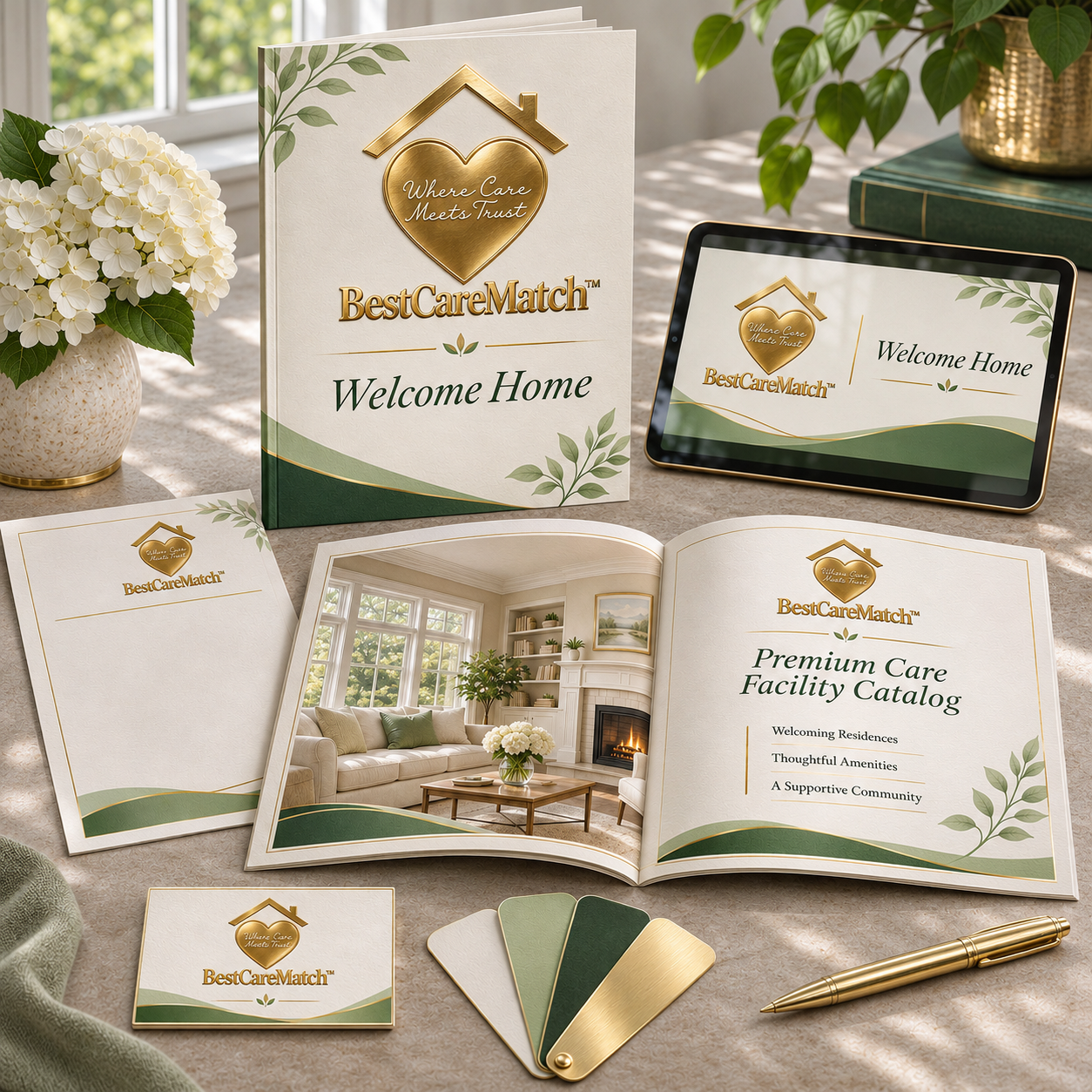
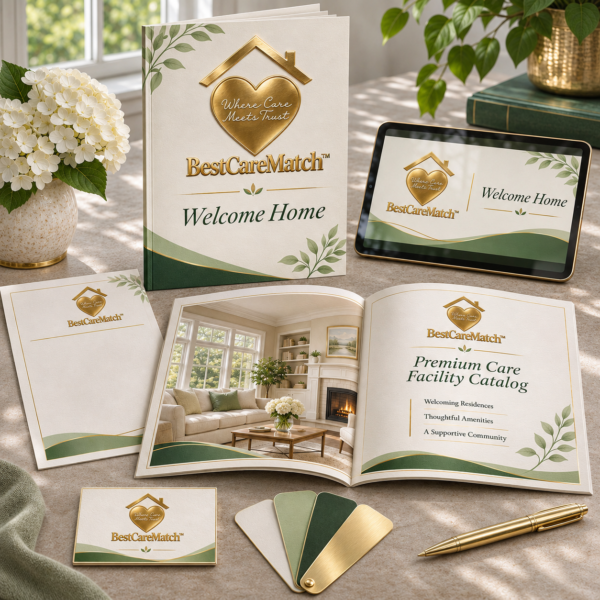
Premium Care Facility Brand Suite
Your logo, Signature Brand Line, brand guide, eight-page catalog PDFs, and three chosen business designs in one coordinated suite. Physical production is separate.
Explore the Brand Suite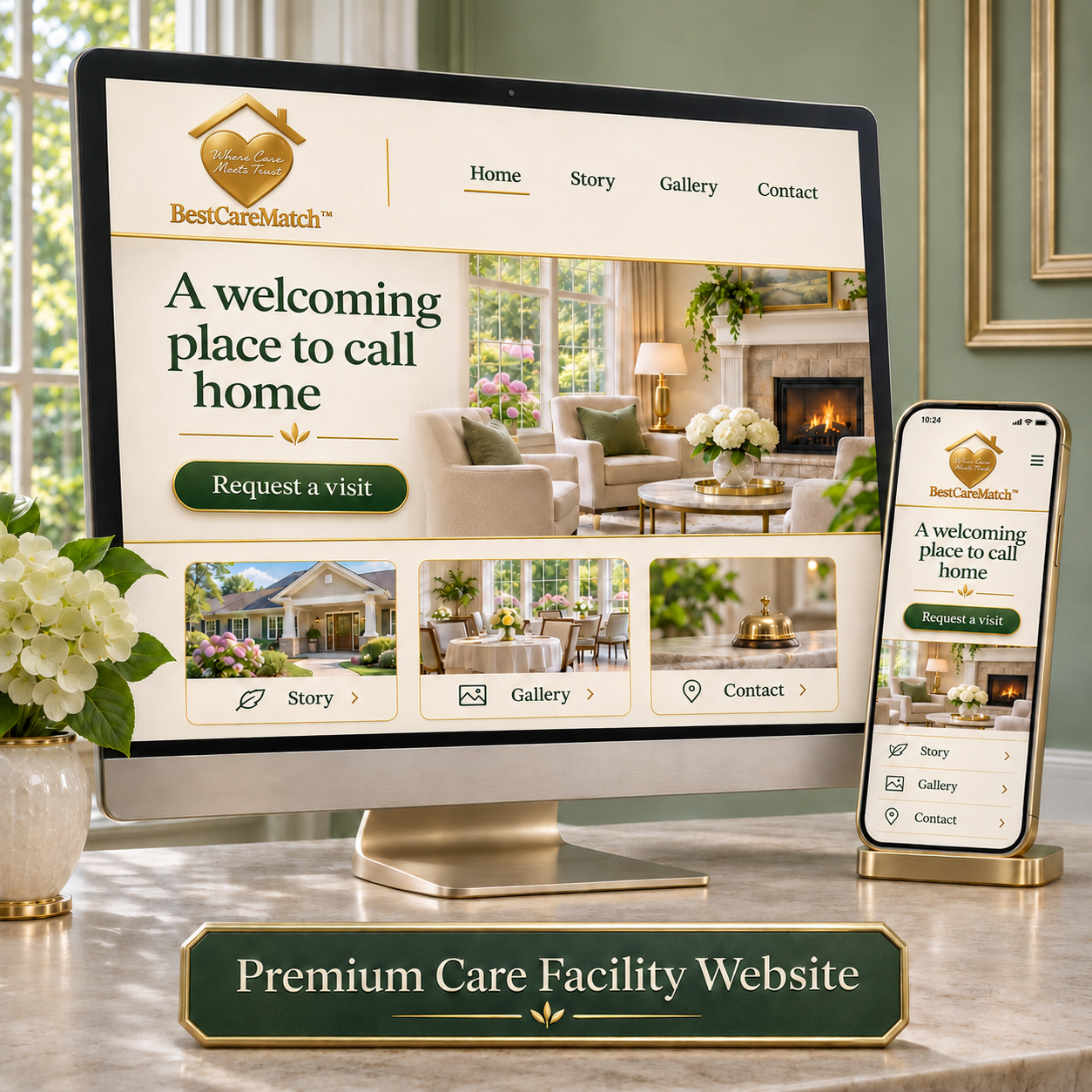
Premium Care Facility Website
Five pages for your home and gallery, story and licensing, owners and staff, services, and payments. Optional HIPAA-focused secure forms setup and platform fees are separate.
Explore the website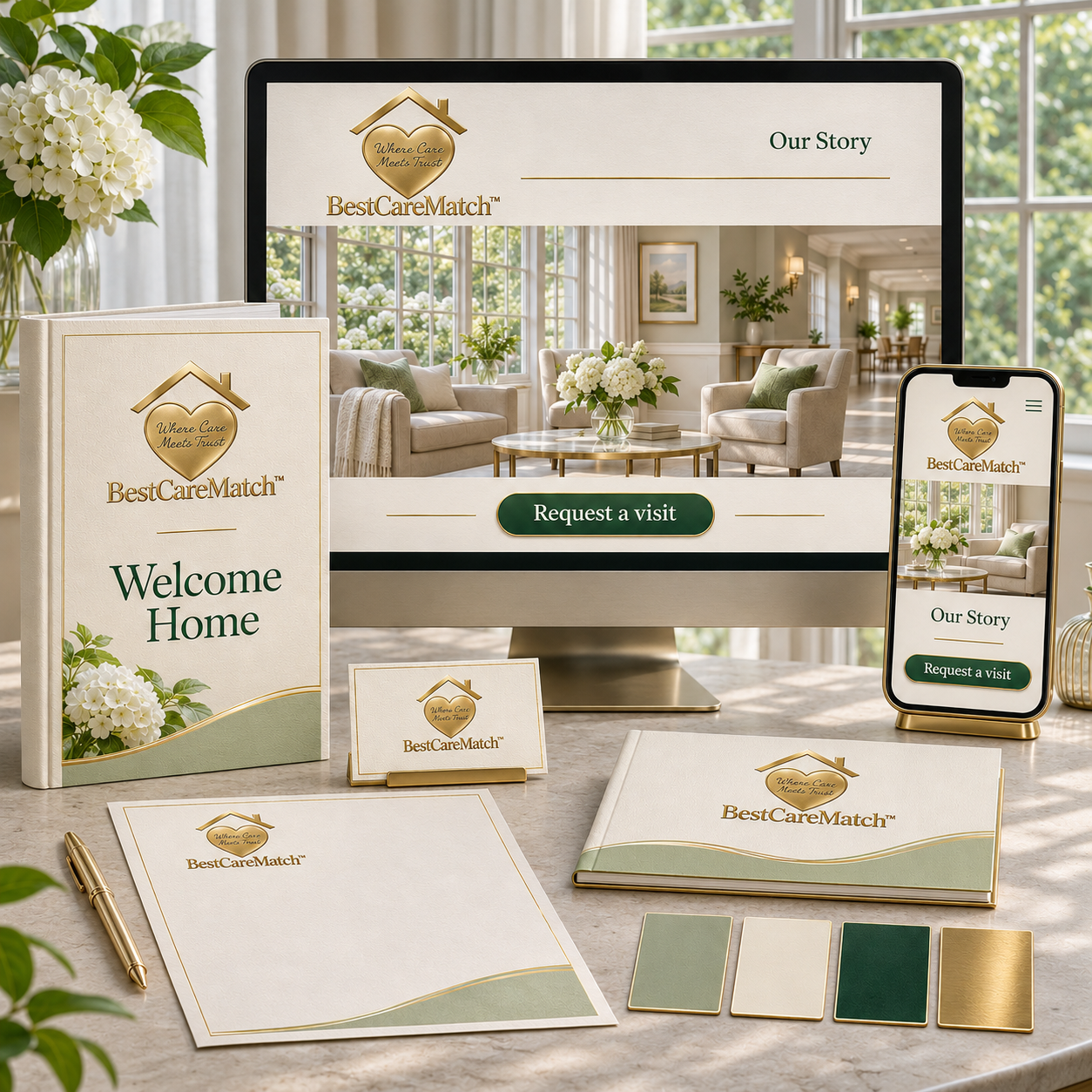
Premium Brand Suite + Website
Carry one approved identity into your catalog, selected business materials, and website.
Explore the complete bundleWebsite customers with eligible active Enhanced membership may receive a standalone website benefit after eligibility is confirmed.
Providers & Inspection Readiness
Explore these additional services and resources for your care setting.

Washington AFH & ALF Inspection-Ready Compliance System
View details
Washington AFH Plan of Correction (POC) Consultation™
View details
BCM 360° Facility Photography & Interactive Walkthrough Production Service
View details
Washington AFH Full-Facility Mock Inspection & Readiness Assessment
View details
The BCM AFH Compliance System™ — Installed for Your Facility
View detailsPhotography & walkthroughs: In-person service in Washington. Out-of-state visits are by arrangement, with agreed travel expenses paid by the client.
Best Care Match Compliance Operating System
A planned digital compliance system for care providers. Product scope and release availability will be announced here. It is not currently offered as an operational electronic health record system.
Explore our existing Academy and Signature Systems while Compliance OS is in development.
BestCareMatch™ National Provider and Care Team Wednesday
The people who provide care need support, too. Every Wednesday, we recognize the dedication, hard work, and sacrifices of providers, professional caregivers, and care teams across the United States.
Explore why this weekly BestCareMatch initiative matters, choose a practical resource, and find ways to recognize the people who make care possible.
Recognition is open to everyone. No purchase is needed.